
I was looking for an easy, convienient and free way for my students to do some simple photo editing. We have Photoshop available in my lab but it isn't loaded on every computer in the school. Not a lot of kids have it at home as it's pretty expensive. So, I went and looked at Adobe's online editing site thinking it might be an alternative. I liked it. It let you do more online than I expected but you have to create a login and register before you can get started. It didn't take much time but it was one extra step. Plus, one more login and password for my students to forget.
I remembered reading about a free online editing site and after a little searching, I found the one reviewed. It's called
picnik and it doesn't require any pre-registration before getting started.
When you enter the site you click the
Get Started Now! button. This will take anywhere from 10 to 30 seconds depending on the speed of your connection. Only time it's taken longer to start it up for me is when I've been at home and running several programs at once, checking my mail and singing along to a Bob Dylan song. In my lab, with all my kids logging in at the same time, it took about 15 seconds.
You'll be prompted to sign in or create account. You can if you want or you if you just want to get in and edit a picture look a little further down the page and you'll see an
Upload Photo button. Click this and you can then navigate to the photo you want to edit and upload it from your computer. It even has a little progress widget to show you that it is working. Once again, this has always taken less than a minute to finish. Once it's done you'll see your picture and this toolbar.

I uploaded an image of a lilly from my backyard.
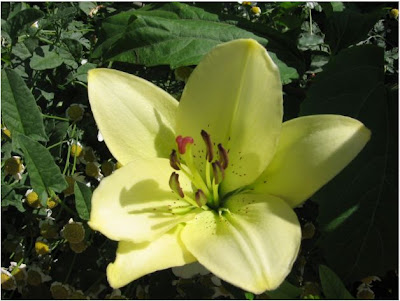
I clicked on the auto-fix tab to see how well the program could fix simple exposure flaws.
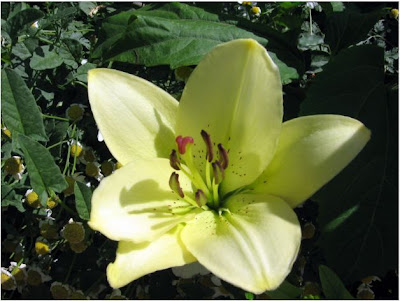
Not a huge change but it did lighten the picture a bit. I've used this feature on other photos and have seen a big difference. Other times, I like the original better or I ignore this button and tweak the settings in
Exposure. I shot a picture of that control bar so you could see your options.

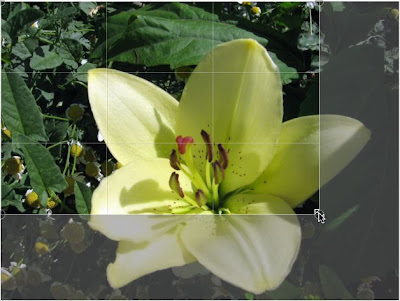
I picked the Crop tab next and got a nice surprise. The crop screen is divided into thirds. In my multimedia class this led to a good discussion of the Rule of Thirds. (Nice explanation
here if your not familiar with this term.)
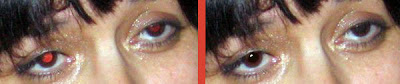
Before leaving the editing section, I wanted to test the red eye tool so I found a picture with a bad case of "demon eyes" and used the tool on that image. I felt the results were perfectly acceptable. Here is a close-up of before and after.
Next I went into the
Create section of Picnik and here's a random selection of a few of the effects available applied to my lilly.
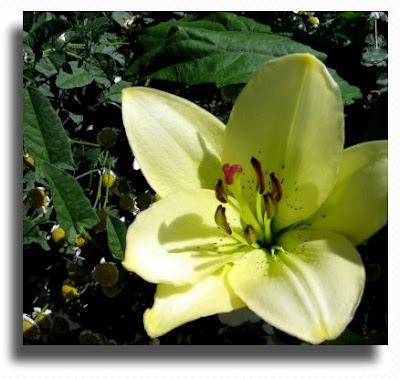
Drop Shadow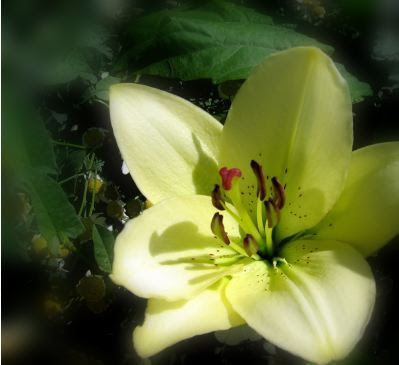
Focal Soften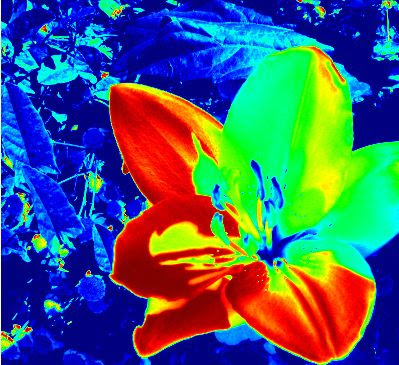
Heat Map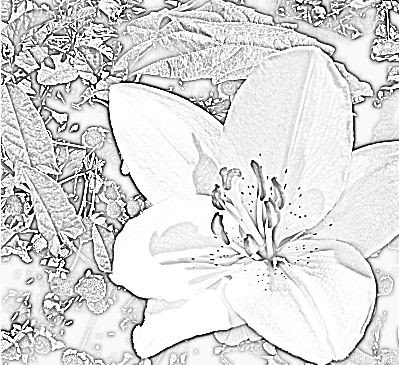
Pencil Sketch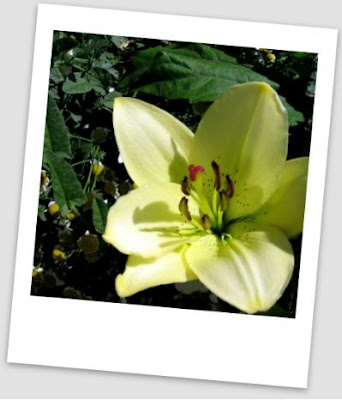
Polaroid FrameI like this program. I've had kids in my building using this for a couple of weeks now and haven't had any complaints. It's easy to use. It's easy to upload and download your picture. It's free.
[Images: All pictures and graphics created by Al Gunn and he gives up all rights to these photos. Use them as you will.]


 My students have been spending lots of time looking at this picture of Einstein/Monroe. Up close, it looks like Einstein. Back up and it looks like Monroe.


 Discovered this source royalty free stock photos, Public Domain Pictures. After a quick look, I found several photos I thought I could use in presentations or for the blog. The authors only ask that you credit them.
 WorldImages is a collection of over 60,000 pictures that are free to use for educational purposes. There are lots of photos of famous paintings, cities, monuments, wildlife and lots more. I spent a pleasant hour cruising through all the categories.
